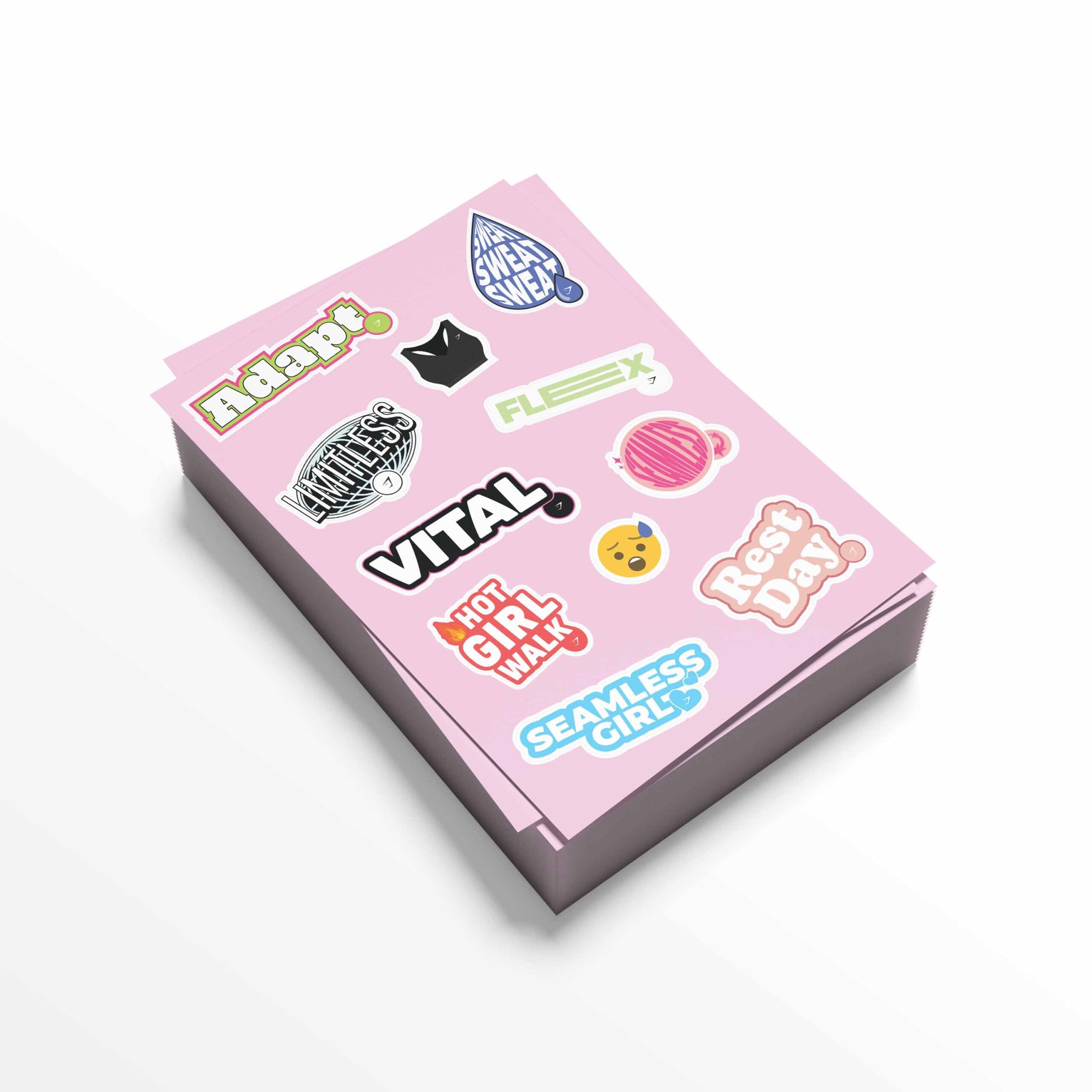
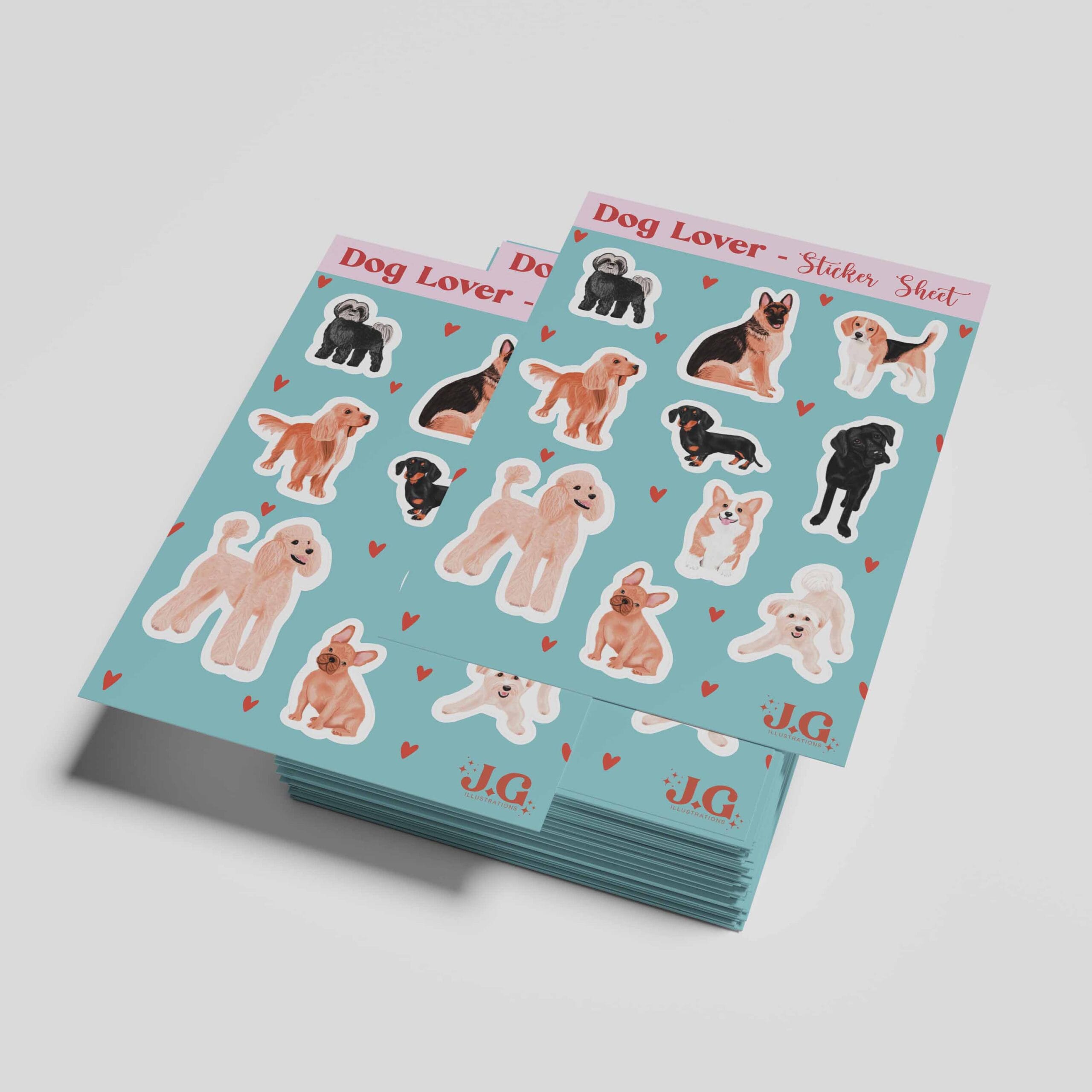
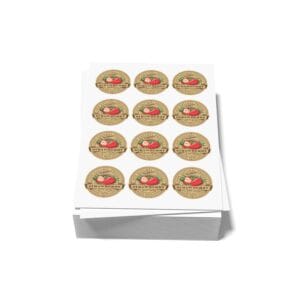
To ensure your sticker sheets are produced accurately and to the highest standard, please follow these guidelines before submitting your design files. Supplying artwork correctly helps avoid production delays and ensures your stickers are cut exactly as intended.
Accepted File Formats
We recommend supplying your artwork in one of the following formats:
» PDF (preferred)
» SVG
» PNG
If supplying raster artwork (such as a high-resolution PNG), a separate file including vector cut paths must also be provided.
Artwork Size
Your artwork should be supplied at the size you want your finished sticker sheet to be, including the required amount of bleed.
Bleed & Safe Areas
To help prevent unwanted white edges when cutting, please:
» Include at least 3mm bleed on all sides of the sheet
» Include at least 2-3mm bleed on each individual sticker (this is commonly white)
» Keep important text and graphics at least 3mm inside the final cut line
» Ensure background colours or images extend fully into the bleed area
Cut Path Requirements
Sticker sheets with multiple stickers require separate vector cut paths so the stickers can be cut accurately to the finished shapes. We highly recommend using a vector-based graphics software such as Adobe Illustrator to do this.
» Create a vector cut line following the exact shape of each sticker
» The cut line must be a single, closed path with no overlaps
» Place the cut line on a separate layer above the artwork
Colour Setup
» Supply artwork in CMYK colour mode
» RGB files may result in colour shifts during printing
If colour accuracy is critical, we recommend discussing this with us before artwork sign-off.
Fonts & Text
» Convert all fonts to outlines
» Avoid very small text, especially near edges or cut lines
» Minimum recommended font size is 6pt, depending on font style
Please make sure to convert all text to outlines so your fonts print exactly as intended.
Image Resolution (Raster Files)
» Raster images should be at least 300dpi at final size
» Low-resolution images may appear blurry or pixelated when printed
Fine Details & Complex Shapes
» Avoid extremely thin lines or intricate cut shapes
» Smooth sharp corners on the cut path for cleaner cuts
» Where possible, simplify shapes to improve durability and finish
If you’re unsure whether your design is suitable, please get in touch and we will be able to advise you.
Layout
» Place each sticker design separately on the sheet
» Leave sufficient space between stickers (we recommend at least 10mm) for easy cutting and peeling
Final Checks Before Submission
Before sending your artwork, please ensure:
» Artwork dimensions are correct
» A minimum of 3mm bleed is included on the sheet
» A minimum of 2-3mm bleed is included on each sticker
» Cut line is clearly labelled and visible
» Fonts are outlined
Need Help With Your Artwork?
If you’re unsure whether your artwork meets these guidelines, please get in touch so we can review your files. Catching any issues early helps keep your project on schedule and avoids any unexpected delays. We will also provide an artwork proof before production begins to ensure you are completely happy with the design.